



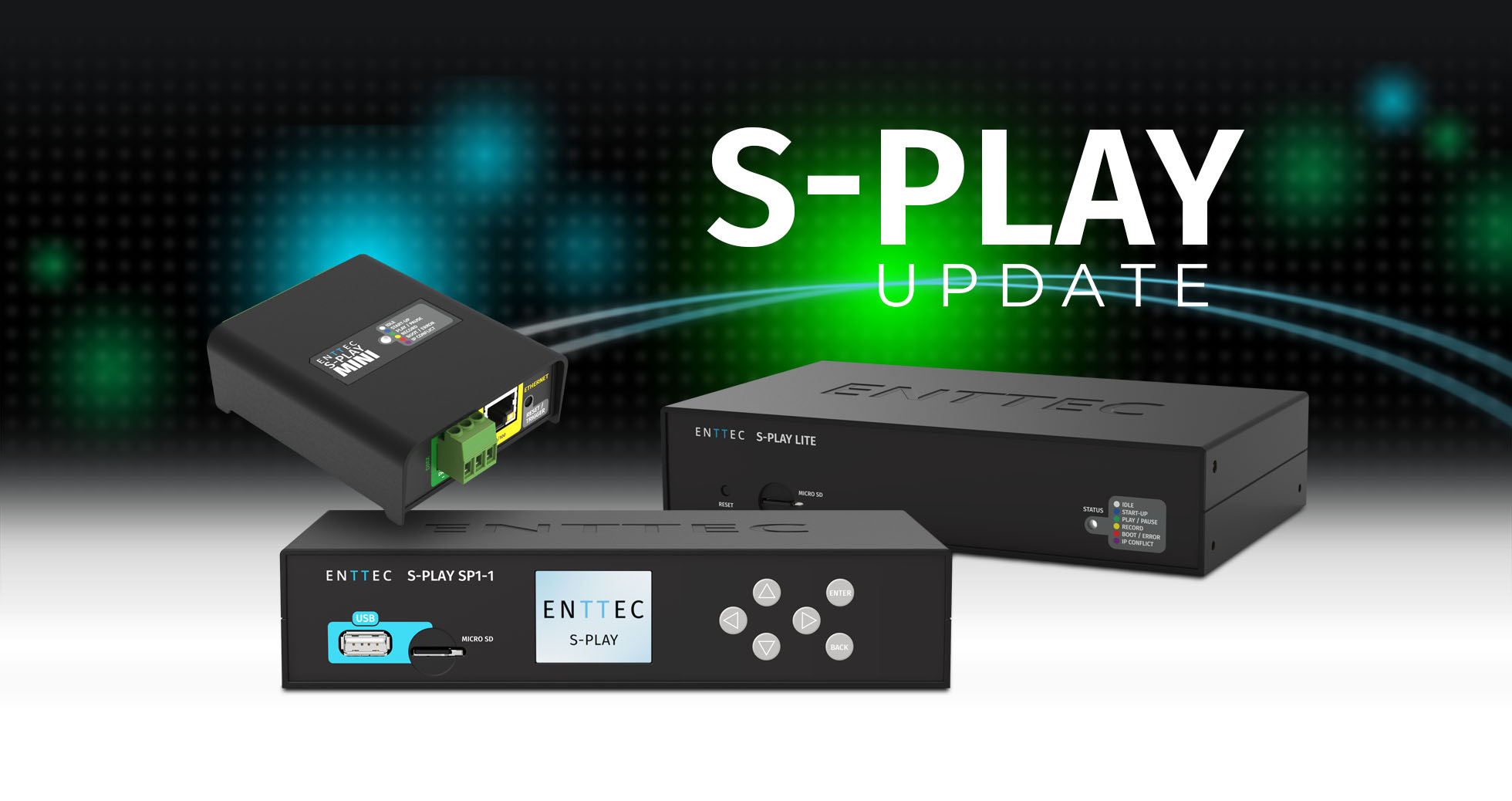
A lighting installation rarely stays exactly as it was first commissioned. Shows grow, new areas are added and the person looking after the system may be nowhere near the control rack when help is needed. The latest S-PLAY firmware updates are built for that reality.
S-PLAY SP1 and Lite move to firmware v3.3.0, while S-PLAY Mini moves to v2.0.1. Together, the releases make mixed S-PLAY systems easier to expand and manage: SP1, Lite and Mini can now synchronise across models; SP1 and Lite gain secure built-in Remote Access; and Mini doubles its show capacity without any change to its hardware.
One family. One rig. Perfectly in sync. The latest firmware gives every current S-PLAY owner more freedom to build, expand and support a show-control system around the needs of the project.
Mix S-PLAY models in the same synchronised rig
Until now, S-PLAY sync discovery was limited to units of the same model. The new releases remove that boundary: SP1, Lite and Mini units on the same network can discover one another automatically and operate together in a synchronised system.
That opens up a more practical way to design multi-controller installations. A 32-universe SP1 can lead the main show while a Lite or Mini supports another zone; an existing system can grow without every added controller having to match the original hardware; and the model name shown during discovery makes each device easier to identify during setup.
For integrators, it means the controller can be chosen to suit each part of the installation while the whole rig remains aligned. For existing owners, it creates a clearer upgrade path: expand where the project needs more capacity, without rebuilding the system around a single model.
Remote access without the network gymnastics
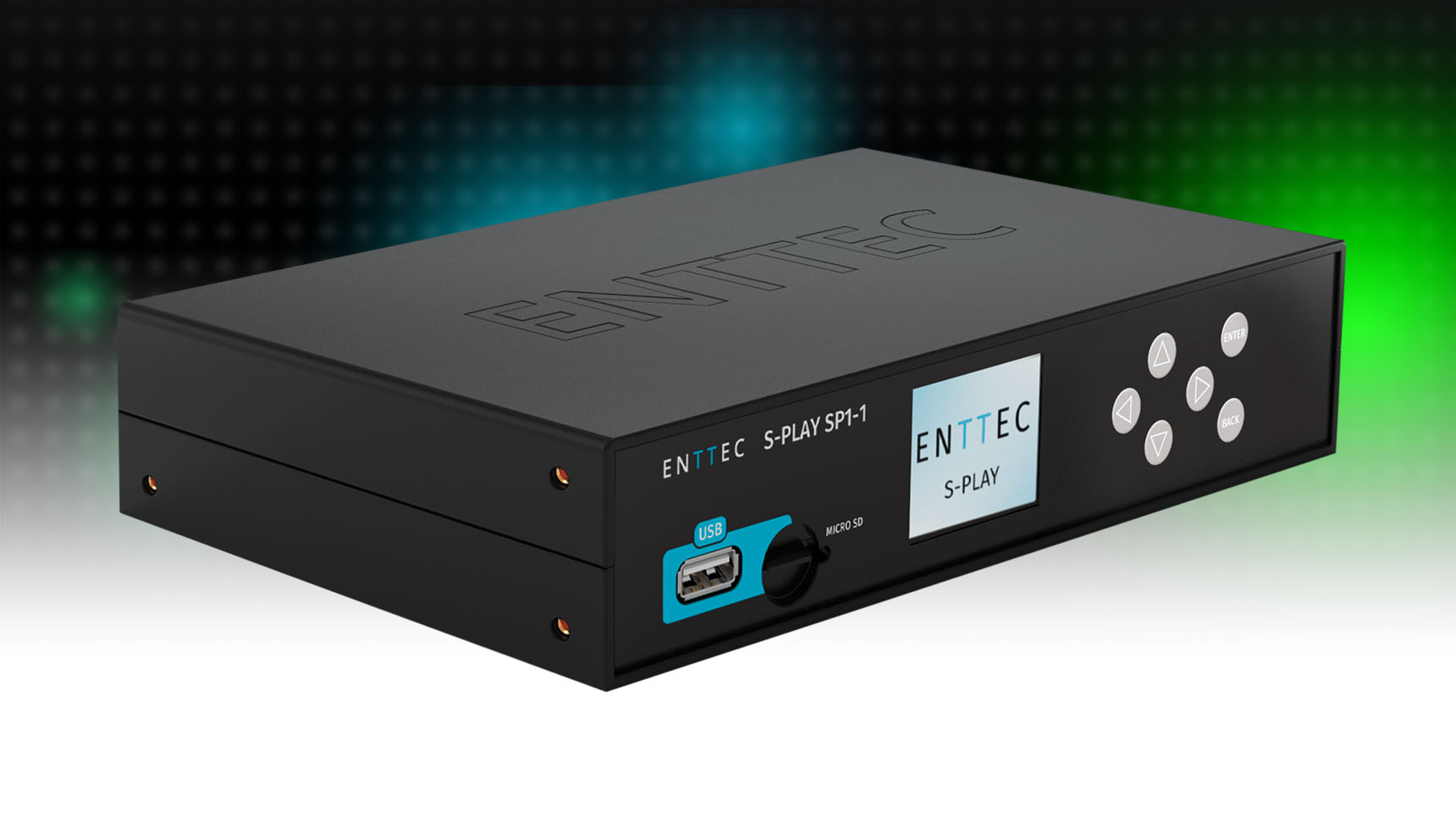
For permanent installations, reaching the controller can be as important as programming it. Firmware v3.3.0 introduces built-in Remote Access for S-PLAY SP1 and Lite, allowing an authorised user to open the device interface from elsewhere without manually configuring SSH or port forwarding.
Link the S-PLAY to an ENTTEC account using a one-time authentication code and the device receives its own secure URL. From there, a signed-in user can check the interface, review the show and assist with day-to-day management from wherever the project takes them.
The new workflow also strengthens session protection. Remote connections require authentication, inactive sessions expire automatically and repeated failed sign-in attempts trigger a temporary wait. Firmware installation remains a local-network task, keeping the most sensitive maintenance step on site.
Remote Access is available on S-PLAY SP1 and Lite only. It is not included on S-PLAY Mini.
Mini just levelled up
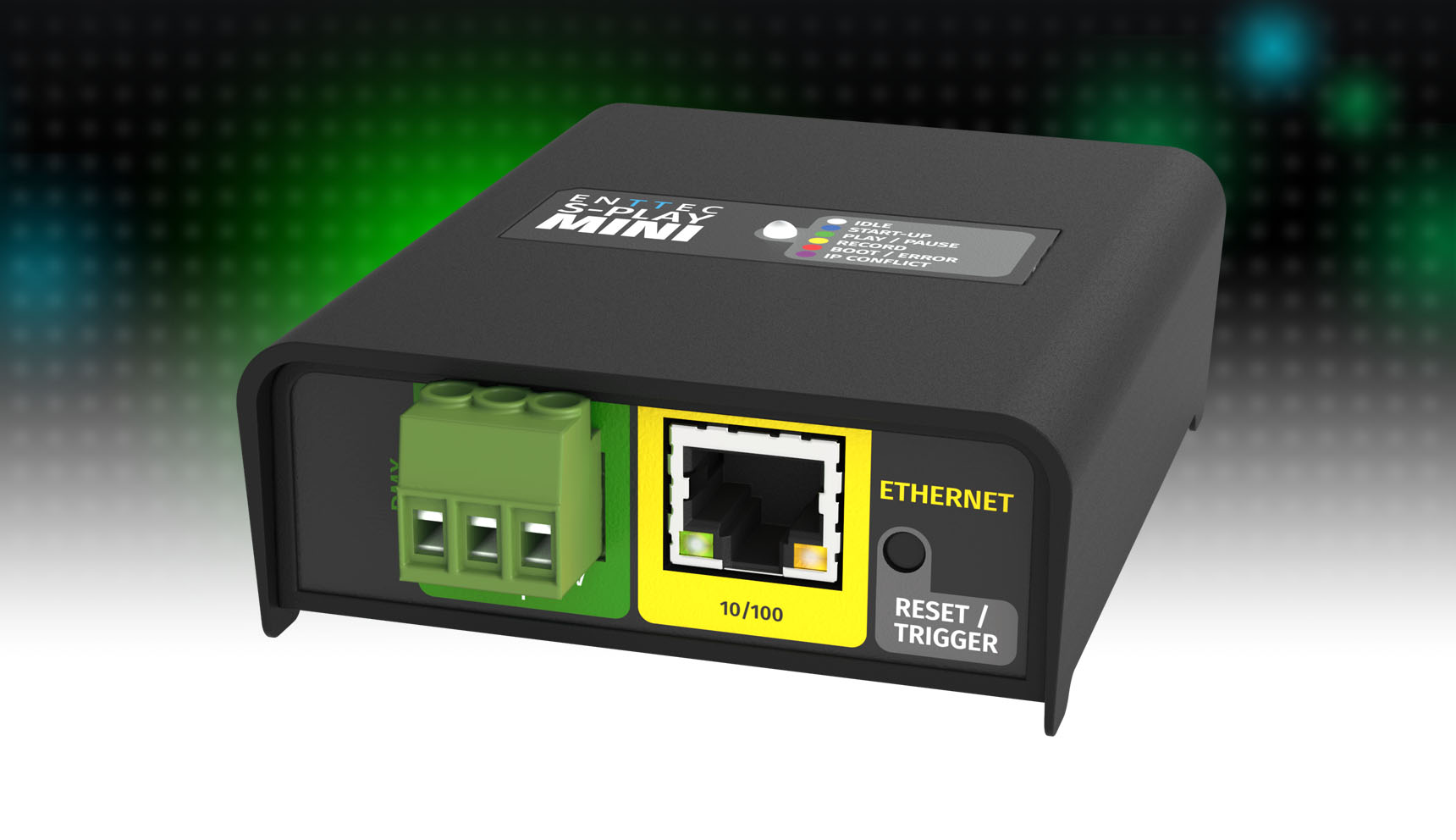
The smallest S-PLAY receives a substantial capacity upgrade with firmware v2.0.1. Mini now supports 4 universes, 32 cues and 16 playlists, twice its previous limits in all three areas.
There is no hardware change and no paid capacity unlock. Once updated, existing Mini units gain the new limits automatically. Combined with cross-model sync, that makes Mini a more capable controller in its own right and a more useful building block within larger S-PLAY systems.
A sharper everyday workflow for SP1 and Lite
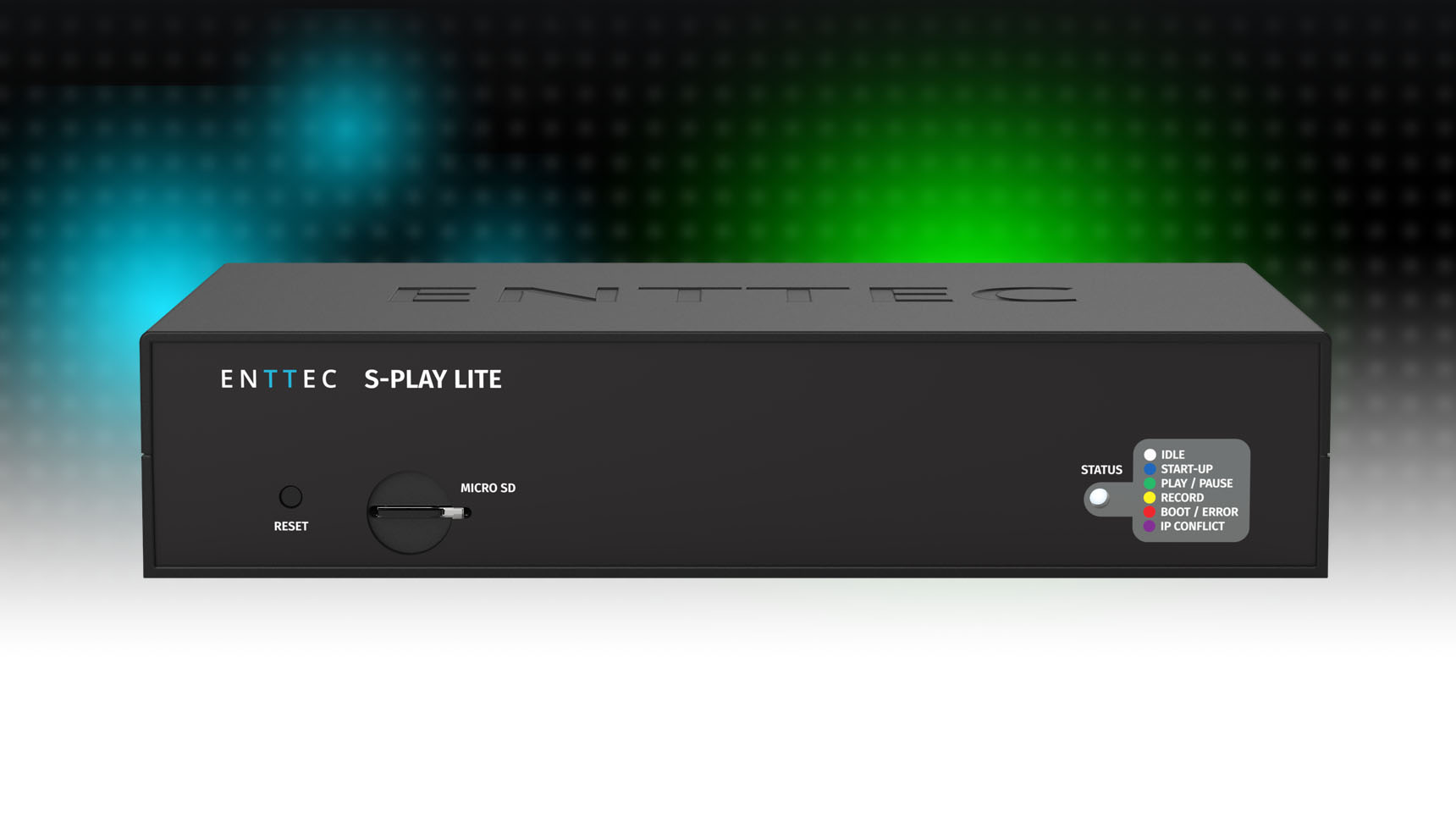
The headline features are only part of the v3.3.0 update. SP1 and Lite also gain several improvements designed to make programming and operation more predictable:
- Exact recording durations: set a dynamic cue length in hours, minutes and seconds, and recording stops automatically at the specified time.
- Richer custom interfaces: use multiple background images on one interface, with independent positioning, sizing, layering, locking and opacity.
- Faster interaction: the web interface loads and responds more quickly, particularly when used through Remote Access.
- More consistent output: Art-Net, sACN and DMX hold their configured frame rates more accurately, while sACN priority is now handled independently for each universe.
- Safer updates: firmware variant protection checks whether an uploaded file matches the S-PLAY model before installation.
- Stronger playback stability: the release addresses cue timing, crossfades, network startup, static-cue editing, sync control and other issues reported in real installations.
Which firmware does each S-PLAY need?
| Model | SKU | New firmware | Headline changes |
|---|---|---|---|
| S-PLAY SP1 | 70092 | v3.3.0 | Remote Access, cross-model sync and workflow improvements |
| S-PLAY Lite | 70094 | v3.3.0 | Remote Access, cross-model sync and workflow improvements |
| S-PLAY Mini | 70093 | v2.0.1 | Cross-model sync and doubled show capacity |
S-PLAY Nano is not affected by these releases and does not require an update.
Before you update
Back up your show data before installing new firmware. Carry out the update from the local network, then power cycle the S-PLAY and clear the browser cache before reopening its interface. SP1 and Lite units that used the previous Remote Access implementation will need to be linked again using a new authentication code.
Do not downgrade an SP1 or Lite after configuring the new Remote Access. A downgrade removes that configuration and the device will need to be linked again.
Give your S-PLAY the latest capabilities
The new firmware is available now at no cost to S-PLAY owners. Visit the Resources section on the page for your model to download the correct firmware and full release notes.
Update S-PLAY SP1
Update S-PLAY Lite
Update S-PLAY Mini
Explore the complete S-PLAY family
For help planning an update or configuring a mixed-model system, contact the ENTTEC support team.